Step 1
Create the event
Set the schedule, event size, redemption defaults, and pass style.
Community dinner QR tickets
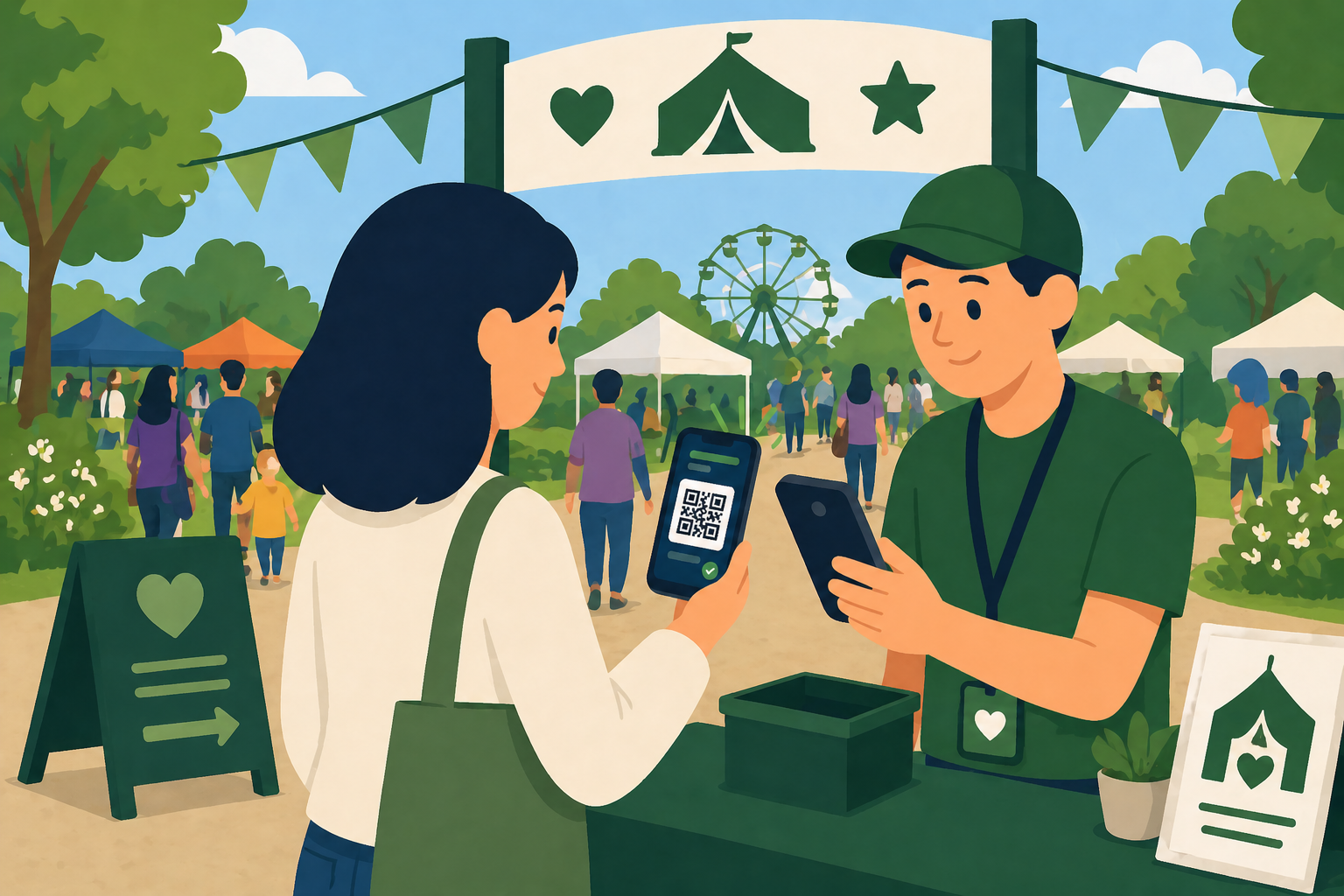
Lilypass helps community organizers send simple QR passes before dinner and scan guests in without paper lists at the door.
Common events
Lilypass works best when the attendee list already exists and the door needs to move faster than paper lists allow.
Set the schedule, event size, redemption defaults, and pass style.
Paste emails or bring a spreadsheet-style guest list. Lilypass creates and sends QR passes in one action.
Use a phone or laptop to validate passes and admit guests quickly.
Why organizers use it
Lilypass keeps the workflow focused on QR delivery and check-in, so it can stay approachable for organizers and volunteers.
Greeters can scan guests from phones or laptops.
Guests can open passes from email without printing anything.
Teams can bring existing RSVP or ticket lists into one check-in flow.
Lilypass stays focused on the event instead of becoming a member database.
FAQ
The answer is usually simple: bring the list, send the passes, and scan the door.
Yes. Lilypass can turn an RSVP list into QR passes even when the event is not selling tickets through the app.
Yes. Passes can have multiple redemptions when your event admits couples, families, or groups together.
No. Guests can open their pass from email on a phone, and volunteers can scan it at the door.