Step 1
Create the event
Set the schedule, event size, redemption defaults, and pass style.
Pancake breakfast ticketing
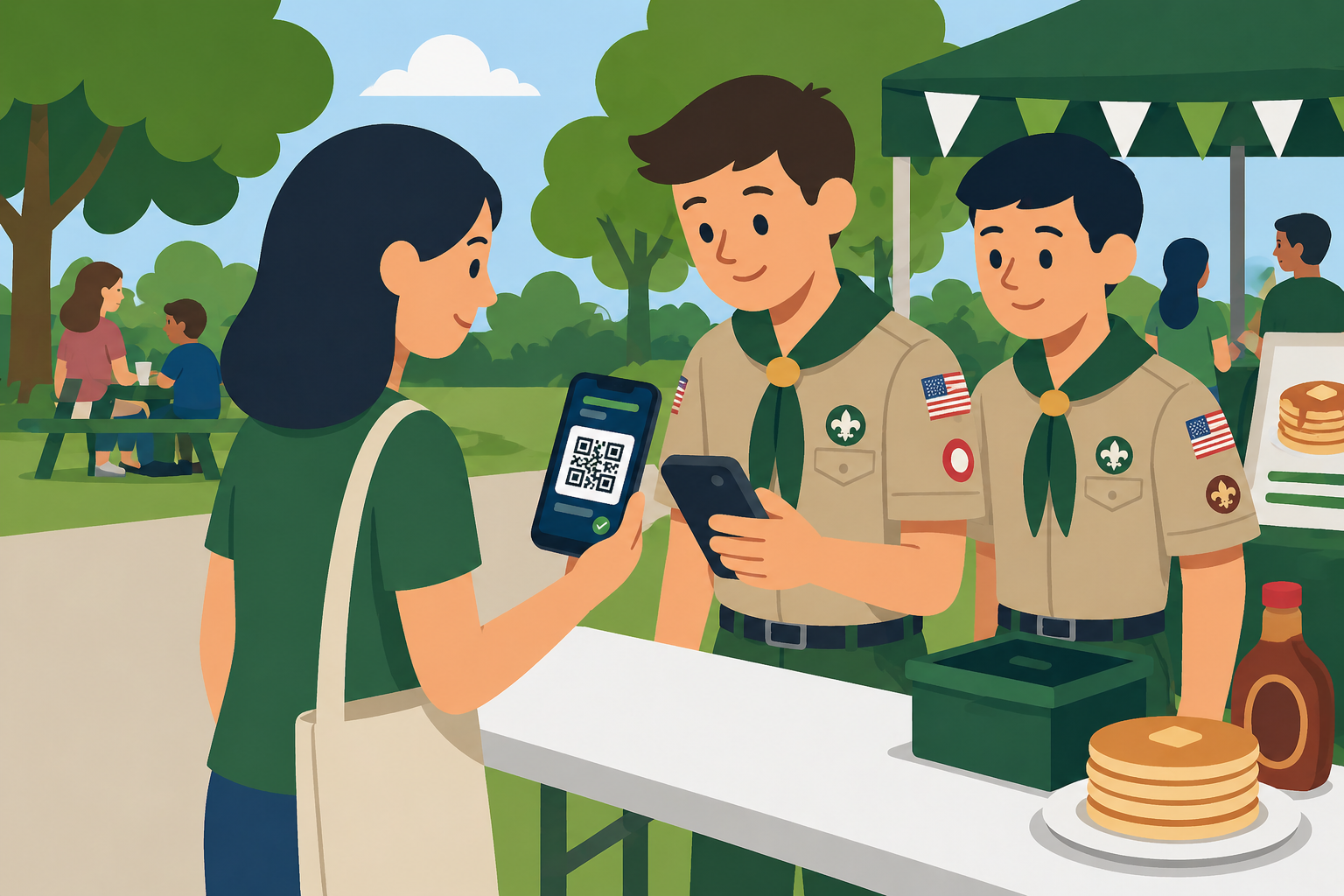
Lilypass turns your breakfast guest list into email QR passes, then gives door volunteers a simple scanner flow for fast check-in.
Common events
Lilypass works best when the attendee list already exists and the door needs to move faster than paper lists allow.
Set the schedule, event size, redemption defaults, and pass style.
Paste emails or bring a spreadsheet-style guest list. Lilypass creates and sends QR passes in one action.
Use a phone or laptop to validate passes and admit guests quickly.
Why organizers use it
Lilypass keeps the workflow focused on QR delivery and check-in, so it can stay approachable for organizers and volunteers.
Volunteers can admit guests without sorting through paper lists.
One QR pass can be configured for one meal, a couple, or a family.
Guests can open passes from email on the way to the event.
Setup stays focused on the meal list, passes, and check-in.
FAQ
The answer is usually simple: bring the list, send the passes, and scan the door.
Yes. If you have a spreadsheet, signup list, or presale record, Lilypass can turn it into QR passes for check-in.
The scanner shows whether the pass still has redemptions left or has already been used.
Yes. Volunteers can open the scanner flow on ordinary phones or laptops for the event.