Event setup review
Get help choosing the event size, default redemptions, schedule, and pass style before you send anything.
Founder-led pilot
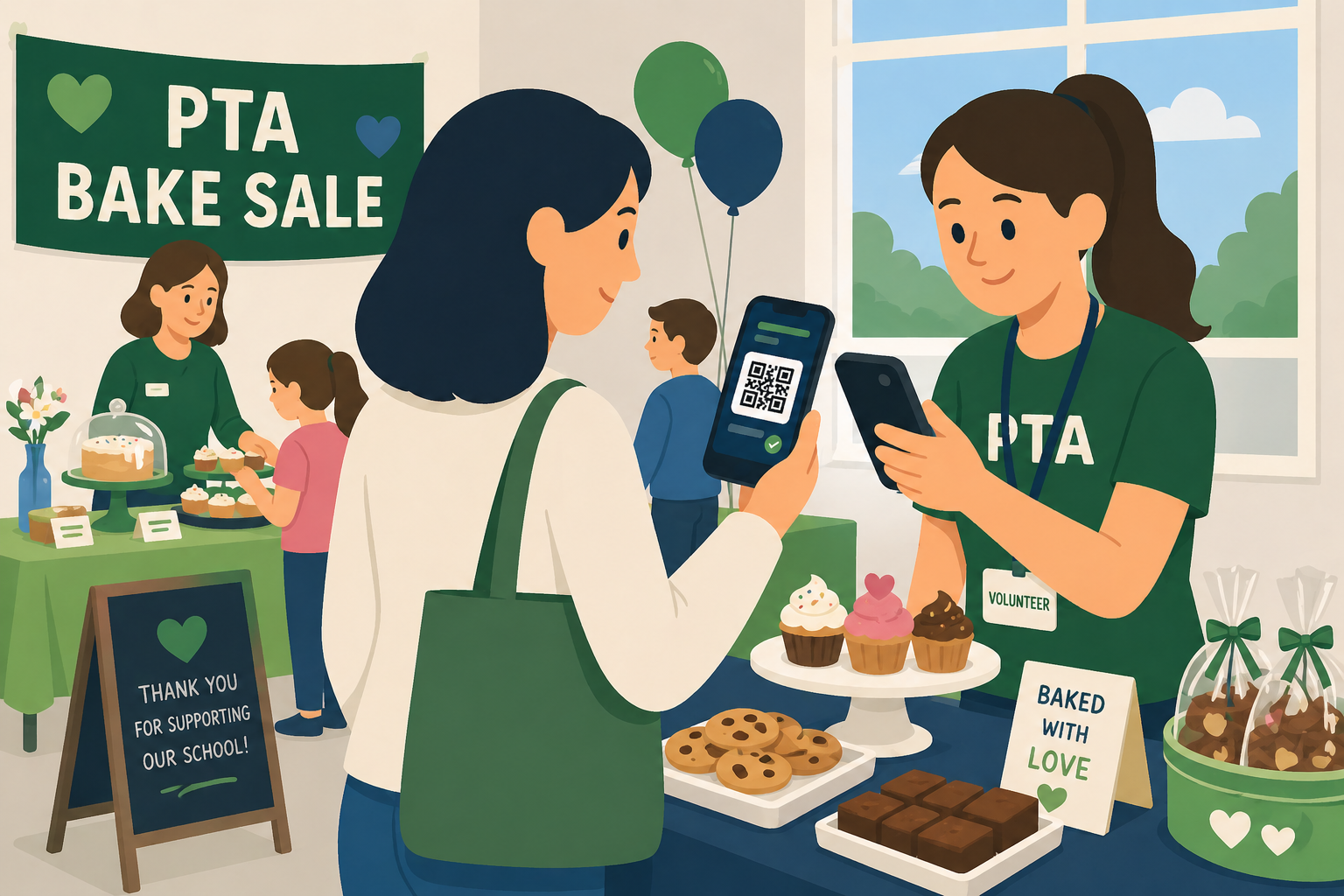
If you have a school night, scout fundraiser, church dinner, booster event, or community gathering coming up, we will help you turn your list into QR passes and prep volunteers for check-in.
Best fit
The pilot is for organizers who already know who should attend and need a simpler way to deliver passes, prevent duplicate entry, and keep the line moving.
Get help choosing the event size, default redemptions, schedule, and pass style before you send anything.
Bring a spreadsheet or pasted emails and turn them into scannable digital passes.
Know what the door team will see before the event starts, including valid passes, remaining scans, and admit actions.
How the pilot works
Start with a real event, use the same flow your volunteers will use, and send feedback afterward so we can keep sharpening Lilypass for everyday organizers.
Create your event and add the basic details.
Import or paste your guest list with setup help.
Send QR passes and scan guests at the door.
Pilot FAQ
The pilot is intentionally narrow: QR pass setup, guest import, and check-in help for one real event.
Volunteer-led fundraisers, school events, scout events, churches, boosters, clubs, and community groups that already have a guest list or ticket list.
No. The scanner is designed for phones and laptops, so volunteers can check guests in with devices they already have.
The pilot is focused on QR passes, email delivery, and check-in. It works best if you already collected payments, donations, or RSVPs somewhere else.
Feedback after the event. If it goes well, a short testimonial or quote helps us show other organizers what worked.
Create the event now, then use support if you want setup help before you send passes. The first pilot should be practical, small enough to learn from, and real enough to prove the door workflow.