Step 1
Create the event
Set the schedule, event size, redemption defaults, and pass style.
School fundraiser ticketing
Lilypass helps school organizers import a guest list, email digital passes, and let volunteers scan families in from a phone or laptop.
Common events
Lilypass works best when the attendee list already exists and the door needs to move faster than paper lists allow.
Set the schedule, event size, redemption defaults, and pass style.
Paste emails or bring a spreadsheet-style guest list. Lilypass creates and sends QR passes in one action.
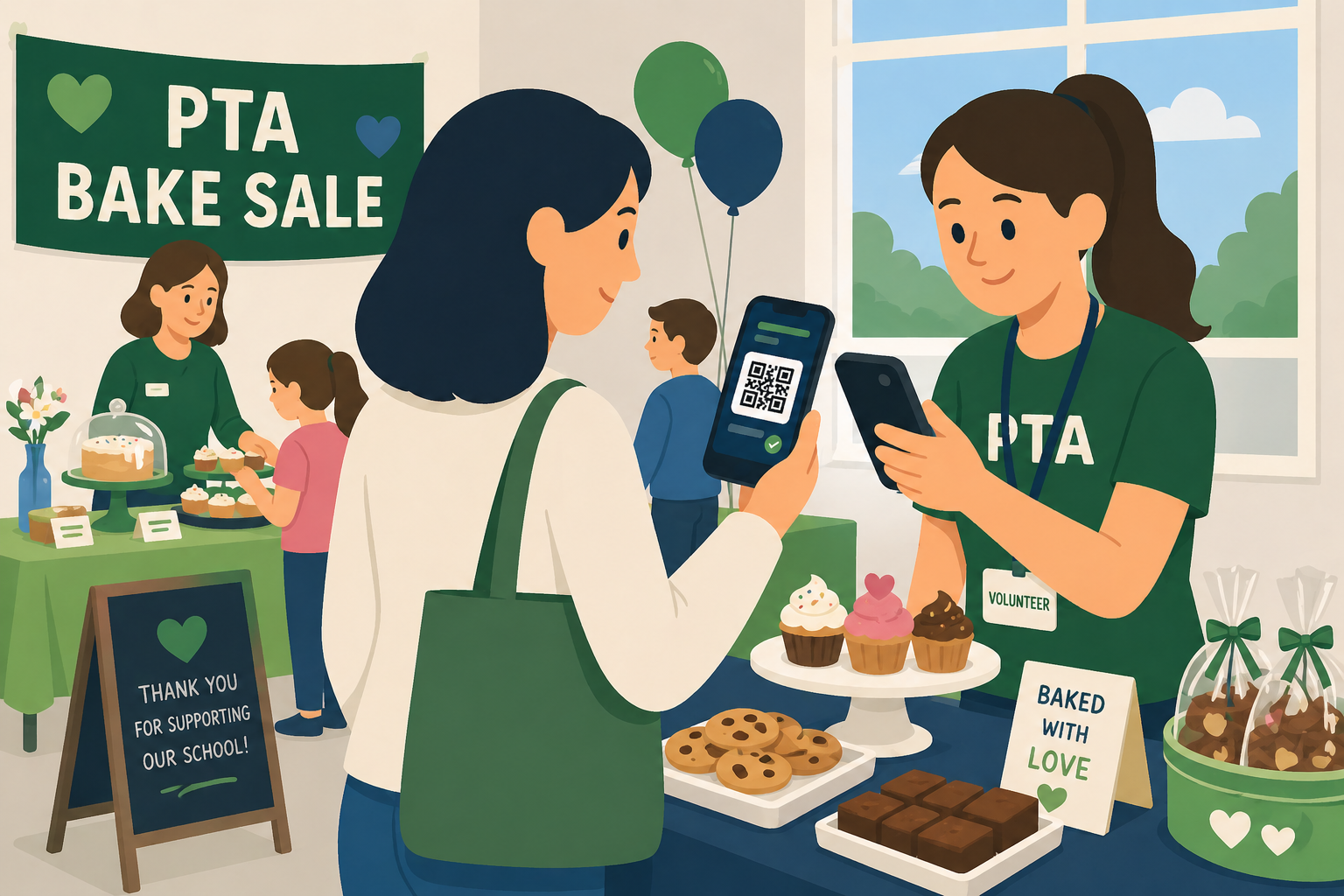
Use a phone or laptop to validate passes and admit guests quickly.
Why organizers use it
Lilypass keeps the workflow focused on QR delivery and check-in, so it can stay approachable for organizers and volunteers.
Parent volunteers can understand the scanner flow quickly.
Families can use phone passes instead of paper tickets.
Guest imports match the spreadsheets school groups already use.
Per-event pricing keeps costs predictable for fundraiser budgets.
FAQ
The answer is usually simple: bring the list, send the passes, and scan the door.
Yes. Volunteers can use the scanner flow from a phone or laptop and see whether each pass is valid, already used, or still has scans left.
Yes. Tickets can support multiple redemptions, so one pass can admit a family or group when that is how the event is configured.
No special school hardware is required. Lilypass is designed for ordinary organizers and volunteers using web-based tools.